
Choosing where to store and share confidential documents is not a small decision. Yet many teams default to whatever is cheapest or free without thinking about what they are actually giving up.
Free data rooms/open-source solutions have become more popular as startups, small legal teams, and finance professionals look for ways to cut costs. Some of these tools are genuinely useful. Others are fine for low-stakes file sharing but fall apart the moment sensitive data is involved.
This guide breaks it down honestly: what free and open-source options are, when they work, when they don’t, and how to make a decision that matches your actual risk level.
What Is a Free or Open-Source Virtual Data Room?
Let’s first define a virtual data room.
A virtual data room (VDR) is a secure, controlled environment for storing and sharing important files typically during due diligence, fundraising, M&A transactions, or legal reviews.
“Free” and “open-source” are not the same thing, and the difference matters.
- A free virtual data room typically refers to a hosted SaaS product with a free plan. You create an account, upload documents, and share access – no setup needed. The catch is that free plans almost always come with limits: fewer users, less storage, restricted security features, or branding you can’t remove.
- Virtual data room open source (or open-source VDR software) means the source code is publicly available. You can download it, inspect it, and run it on your own servers. This gives you more control and transparency, but it requires technical knowledge to set up and maintain.
There are also paid VDR platforms. They’re purpose-built for high-stakes document sharing. Such solutions include granular permissions, detailed audit trails, document watermarking, Q&A workflows, and dedicated support – features that matter when a deal or compliance review is on the line.
By contrast, typical use cases for free or open-source options include early-stage startup fundraising, internal document reviews, non-confidential file sharing between small teams, and situations where budget is limited and document sensitivity is low.
Free Data Room vs. Open-Source VDR vs. Paid VDR
Now let’s compare all three types of storage solutions. Each option fits a different combination of risk, budget, and technical capacity.
| Option | Best For | Main Advantage | Main Risk |
| Free data room | Small projects | No or low cost | Limited controls |
| Open-source VDR | Technical teams | More control | Setup and maintenance |
| Paid VDR | Sensitive deals | Security and support | Higher cost |
As you see, the key question is not “what can I afford?” but “what level of risk am I taking on?” A free plan might feel like a smart choice until a data leak or compliance failure costs far more than any subscription would have.
- Note: If you need to compare professional VDR options before deciding, use the data room provider comparison on dataroomreviews.org to evaluate secure alternatives side-by-side.
When a Free Virtual Data Room Can Be Enough
Not every document sharing situation requires enterprise-grade security. For genuinely low-risk scenarios, a free option can do the job.
A free data room tends to work when:
- You’re sharing internal documents with colleagues who already have company access
- You’re distributing early-stage startup materials to a small group of known investors
- You’re sending non-confidential files, such as roadmaps, decks, and general updates, where exposure wouldn’t cause serious harm
- Your team is small, the deal is informal, and you don’t need an audit log
- You just need a short-term, low-stakes way to organize and share important files before a more serious process begins
In these cases, a free plan from a reputable provider can cover the core needs: basic sharing, password protection, and simple document access controls.
However, “can be enough” is not the same as “is always safe.” Even in low-stakes situations, it’s worth checking what data security baseline a free tool actually provides.
When Free Data Rooms Become Risky
The problems with basic online data room free solutions show up quickly once the stakes rise.
Consider these situations:
- M&A due diligence. Multiple external parties need access to sensitive documents, and every action needs to be tracked. Free tools rarely offer the detailed audit trails or granular permissions required.
- Fundraising with sensitive financials. Cap table data, revenue figures, and investor terms are sensitive information. A version-control gap or a misconfigured share link can expose documents to the wrong people.
- Legal document review. Legal documents need access controls at the file level, not just the folder level. Most free tools don’t go that deep.
- Multi-party external access. Once you add external users, such as lawyers, buyers, investors, and regulators, the risk surface increases significantly.
- Confidential customer or employee data. Under regulations like GDPR, mishandling sensitive data, even accidentally, can carry serious consequences.
- Regulatory or compliance-sensitive projects. If your industry is subject to data compliance rules, a free tool that doesn’t log user activity or restrict downloads could put you in breach.
According to IBM’s 2025 Cost of a Data Breach Report, the global average cost of a data breach reached $4.44 million, and the average time to identify and contain one was still 241 days. The financial and operational costs of a breach are rarely proportional to the savings from avoiding a paid VDR.
Best Free and Open-Source Data Room Options to Consider
Now, let’s briefly review the top free and open-source data room solutions you can try.
- Note: Not all of these tools are true virtual data room solutions. Some are better described as secure file-sharing or document collaboration platforms. That distinction matters especially when you’re managing confidential documents for an external audience.
Papermark
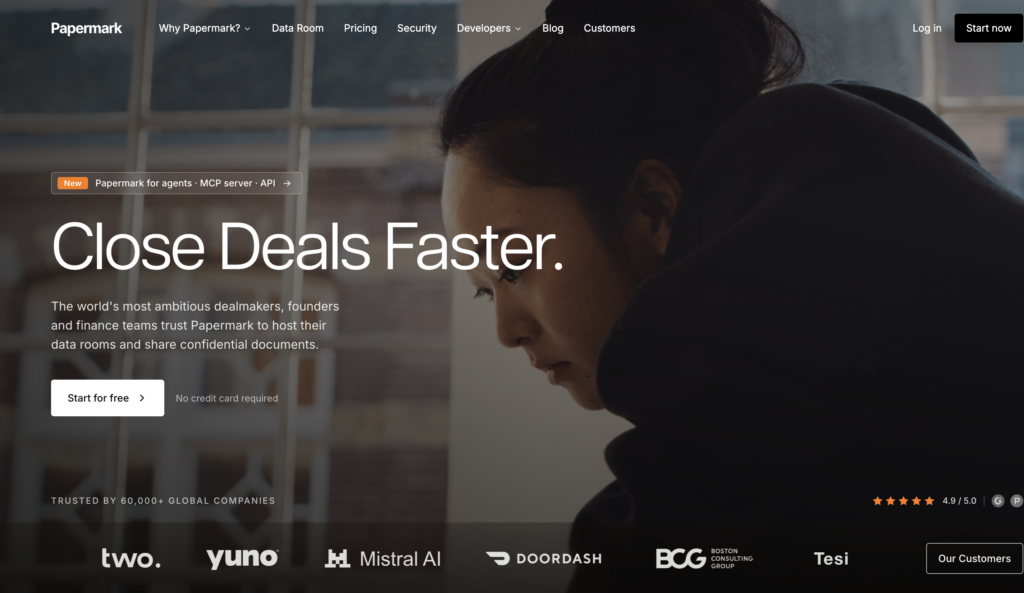
Papermark is the most purpose-built open source virtual data room software available. Its source code is publicly available on GitHub, and it can be self-hosted or used via a managed hosted plan.
According to Papermark’s official website, the platform supports granular permissions, dynamic watermarking, NDA gates before viewing, email verification, screenshot protection, and a comprehensive audit log tracking all user activity. It also provides page-by-page advanced analytics, so you can see exactly how viewers engage with each document.
Papermark suits startups and early-stage teams managing fundraising or investor updates. It supports unlimited data rooms, custom branding, and custom domains. A free plan is available for teams who want to start without commitment, with paid plans offering additional advanced features.
For teams with strict requirements, a self-hosted deployment keeps data entirely within their own infrastructure.
Pydio Cells
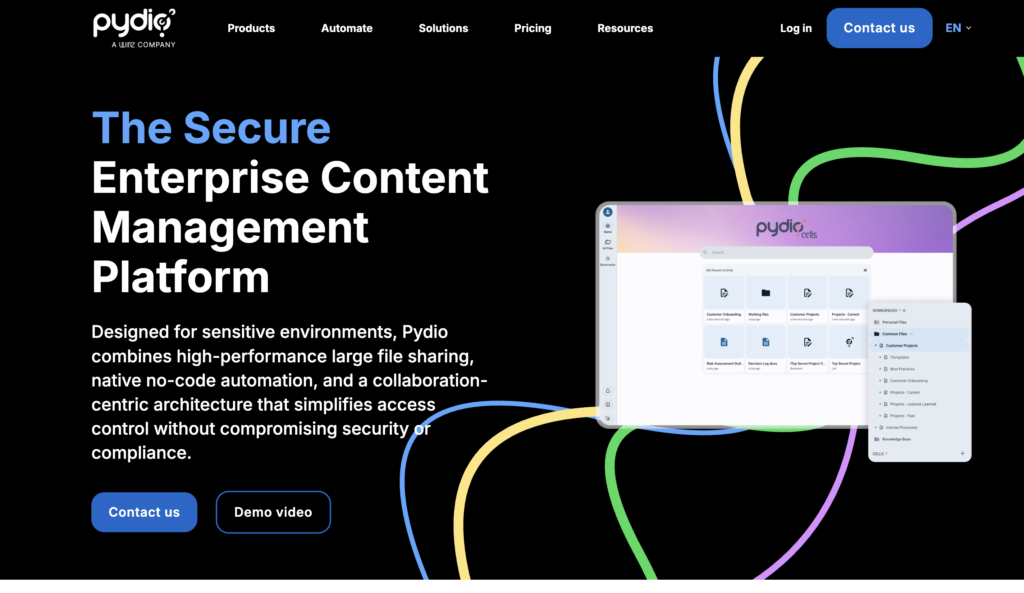
Pydio Cells is a self-hosted, enterprise-grade file-sharing and document-management platform. According to its official site, it offers fine-grained access control, encryption, user activity tracking, and support for large files. It includes workflow automation tools and is positioned for organizations that need structured document management with strong compliance controls.
Pydio Cells is not a purpose-built VDR, but its permission model and audit capabilities make it a viable option for teams that need a real data room-style setup and have the IT capacity to manage it. Its open source edition covers core file sharing, while some advanced features require a commercial license.
ONLYOFFICE DocSpace
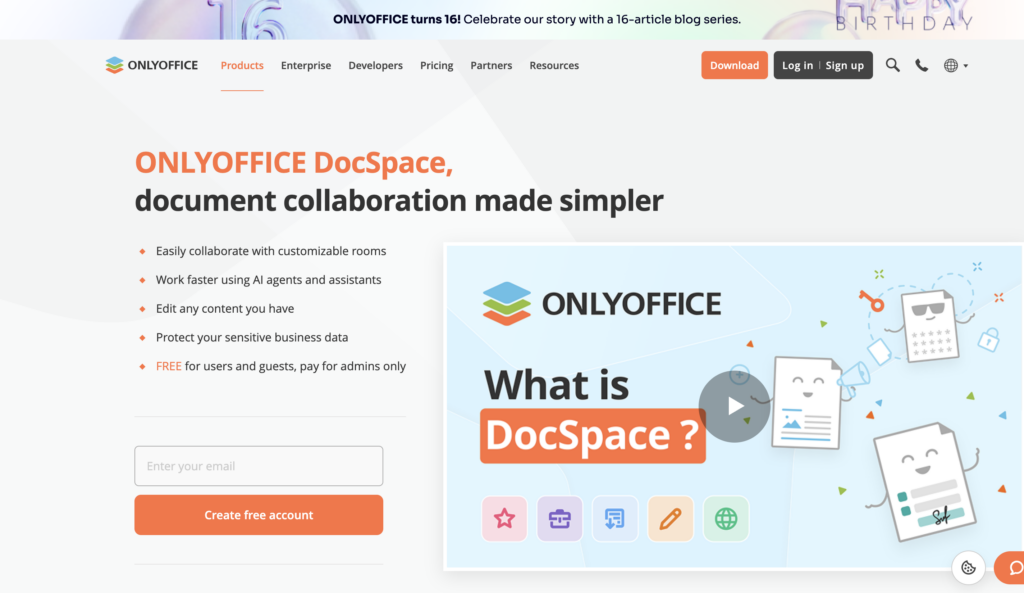
ONLYOFFICE DocSpace is a document collaboration platform that organizes files into rooms. According to the ONLYOFFICE official website, it supports real-time collaboration, role-based permissions, version control, and editing tools compatible with Microsoft Office formats.
It works well for teams that already use ONLYOFFICE for document creation and need basic data room security for internal reviews. For external-facing deal rooms, the setup requires more manual configuration. DocSpace does not have a dedicated “VDR mode” — you need to configure permissions, guest access, and audit logging separately.
Nextcloud
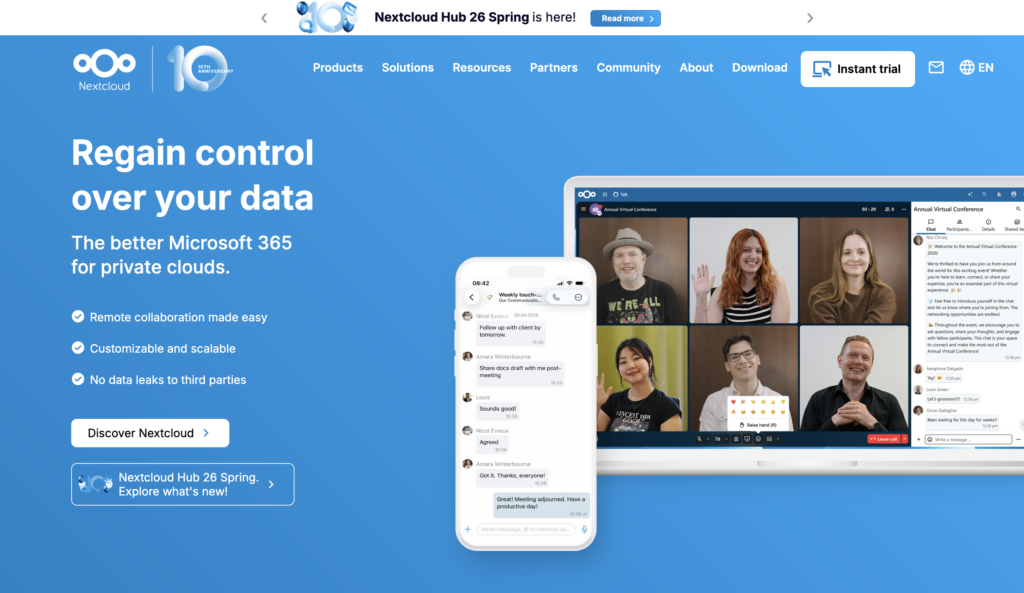
Nextcloud is a self-hosted cloud platform for file sync and sharing. According to its official website, it supports user management, a broad app ecosystem, and can integrate with editing tools like ONLYOFFICE and Collabora.
It is a versatile platform, but Nextcloud itself acknowledges that its VDR capability is a combination of separately configured features rather than a dedicated mode. It lacks page-level analytics, structured Q&A, NDA management, and dynamic watermarking out of the box. It works best for organizations already running Nextcloud who need basic document management without purchasing a separate tool. Starting from scratch for a data room alone would be over-engineering the problem.
Google Drive, Dropbox, and Box Free Plans
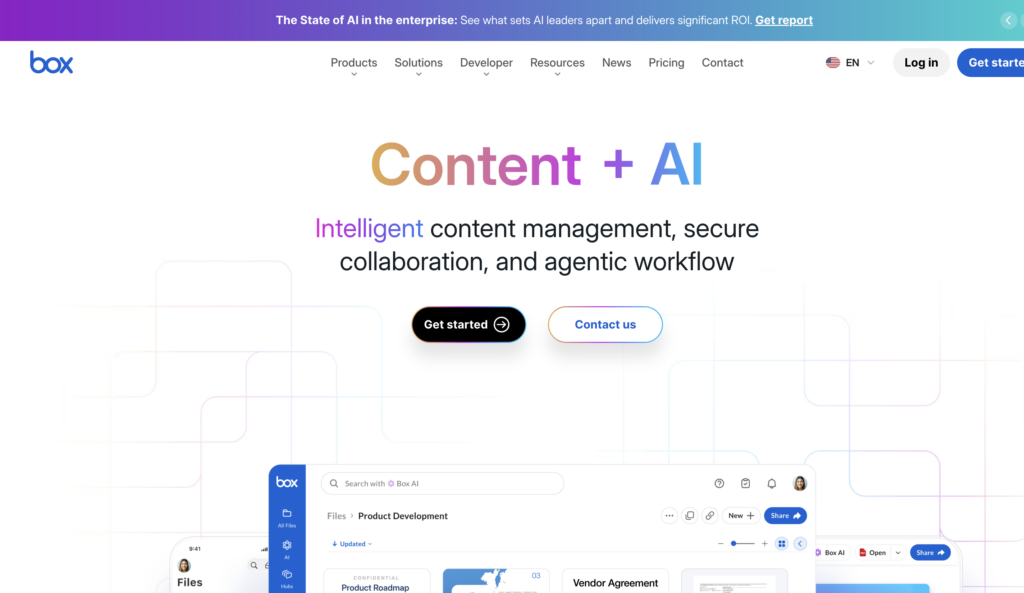
These are the most commonly used free document-sharing tools—and the most frequently misused as data rooms. They offer easy setup, a familiar modern interface, efficient collaboration, and real-time collaboration through Google Workspace and similar integrations. They also support basic collaboration tools that most teams already know how to use.
However, they are not a real data room. They don’t provide document watermarking, detailed audit logs, granular download restrictions, or NDA-gated access. They also lack essential features such as advanced search across large document sets, file recovery after accidental deletion, and Q&A workflows for external reviewers. Using Google Drive or Dropbox as a secure document-sharing environment for due diligence materials is a serious mismatch between the tool and the risk. Data leaks from misconfigured share links are a well-documented risk with these platforms.
For individual users sharing non-sensitive files, they’re perfectly fine. For complex transactions or legal reviews, they’re not.
Security Features to Check Before Using a Free VDR
Before using any free data room software, evaluate it based on its features, not on marketing language. Here’s what actually matters:
- Access permissions. Can you control who sees which file or folder individually?
- Encryption. Is data encrypted in transit and at rest?
- Audit trails. Does the platform log every action — who opened what, when, and for how long?
- Download restrictions. Can you prevent users from downloading sensitive files?
- Watermarking. Can you apply dynamic watermarks to discourage unauthorized sharing?
- Two-factor authentication (2FA). Is 2FA available and enforceable for all users?
- Data hosting location. Where are your documents physically stored, and does that matter for compliance?
- User activity tracking. Can you monitor engagement at the document or page level?
If a free tool can’t answer “yes” to most of these, it’s not a secure data room – it’s a file sharing service.
- Before relying on a free setup for sensitive files, review a detailed data room pricing guide to understand which professional VDR security features are usually included in paid plans.
Hidden Costs of Free and Open-Source Data Rooms
“Free” is rarely free in practice.
Here’s where the costs tend to show up: server hosting (self-hosted tools need a server that costs money to run), IT setup time, security configuration, ongoing maintenance and updates, user support (usually just community forums), backup systems, and compliance review if your project involves regulated data.
These costs don’t always appear on a budget line, but they exist. For small teams without dedicated IT resources, the cost of a paid subscription can outweigh the benefits.
Open-Source VDR Setup: What Teams Need to Prepare
Setting up open source solutions properly takes planning. Here’s what to think through before committing:
- Hosting environment. Where will the server run – cloud, on-premise, or managed provider?
- Admin setup. Who owns the platform? One clear owner prevents gaps
- User roles. Which users get full control, and which get view-only access?
- Backup strategy. How often are backups made, where stored, and how tested?
- Security updates. Who monitors for vulnerabilities and applies patches?
- Permission structure. Are access rights set at the file level, folder level, or both?
Basic Setup Checklist
- Choose hosting method (cloud, on-premise, or managed)
- Configure access rights per user and per folder
- Enable two-factor authentication for all users
- Test external user access before the first real use
- Set backup rules and test recovery
- Review logs regularly for unusual activity
If your team can’t confidently check all of these boxes, a managed paid VDR is likely the more practical choice.
- Note: If you wonder how to set up a virtual data room, explore this guide.
Free Data Rooms vs. Paid VDRs for Due Diligence
When due diligence is involved, the gap between free tools and paid VDRs becomes significant.
Paid VDR platforms are built specifically for high-stakes document sharing. They typically offer better audit trails with time-stamped logs of every action, granular file-level permissions, dedicated support, faster onboarding for external parties, document watermarking and view-only modes, structured Q&A workflows, and a more professional experience for buyers or investors.
Free tools can handle simple sharing. They rarely handle the complexity and accountability that due diligence demands.
When Paid VDRs Are Worth Considering
The clearest signs that a free data room is no longer enough:
- Multiple external parties need access at the same time
- The documents are highly confidential: financials, legal agreements, sensitive files related to IP or source code
- You need to prove, in writing, who accessed what and when
- Legal or financial review is part of the process
- The project timeline is critical, and delays caused by access issues would be costly
At that point, the best VDR for your situation is the one with the right security features, reliable support, and a clear audit trail – not the cheapest one.
How to Choose the Best VDR for Your Situation
Run through these questions before deciding:
- How sensitive are the documents? Legal, sensitive, or financial documents require stronger controls.
- How many users need access? Free plans often cap users; paid plans scale better
- Do you need an audit log? If yes, most free tools won’t cut it.
- What’s your internal IT capacity? Self-hosted tools need ongoing technical maintenance.
- Are there compliance requirements? GDPR or sector-specific rules may dictate your choice.
- What’s your full budget? Include setup, hosting, and maintenance – not just subscription cost.
- Do you need support? Community support is not a service-level agreement.
- How urgent is the timeline? Paid VDRs onboard faster and have support when things go wrong.
Common Mistakes When Choosing Free Data Rooms
These are the mistakes teams make most often, and they’re easy to avoid:
- Choosing only by price. Free is attractive, but free data room software with weak security can cost far more after a breach or compliance failure.
- Ignoring permissions. Assuming folder-level sharing is enough when file-level control is needed.
- Treating cloud storage as a VDR. Google Drive and Dropbox are not secure data rooms for due diligence, full stop.
- Skipping backup planning. Especially with self-hosted tools, a lack of a backup strategy is a serious operational risk.
- Not testing external access. What works for internal users may break for external guests – test before you need it.
- Forgetting maintenance. Open-source software needs regular updates; ignoring this creates security gaps over time.
- Underestimating compliance needs. Managing confidential documents in a regulated context requires more than good intentions – it requires documentation, controls, and accountability.
Conclusion: Are Free and Open-Source Data Rooms Worth It?
For simple, low-risk sharing – yes. Free and open-source tools can handle internal reviews, early-stage startup materials, and non-confidential file distribution without any problem.
However, once sensitive data, external parties, or a real transaction are involved, free tools start to show their limits. The missing controls and maintenance overhead can create more risk than the savings justify. Open source solutions like Papermark offer a genuine middle ground, but only for teams with the technical capacity to manage them.
For everything else, including M&A, fundraising, legal review, or compliance-sensitive workflows, a paid virtual data room solution is the safer and more cost-effective choice in the long run.
If you’re ready to compare options, explore top VDR providers on dataroomreviews.org to find the right fit for your project.