For many Australian businesses, the search starts with one practical problem: Dropbox still offers only 2 GB on its free Basic plan, while Google Drive, pCloud, MEGA, and other services offer far more free space.
IBM’s 2025 Cost of a Data Breach Report puts the global average breach cost at $4.44 million, and Australia’s OAIC received 532 notifiable data breach notifications in January–June 2025 alone. For teams handling contracts, investor files, legal records, or customer data, basic file sync and share tools may feel too light for the job.
Dropbox alternatives are cloud storage, file-sharing, and virtual data room platforms that give users more storage, stronger privacy controls, better team permissions, or deal-grade document security than Dropbox.
This guide compares the strongest alternatives to Dropbox for personal storage, teamwork, privacy, enterprise security, and high-stakes document sharing.
You’ll also see when a virtual data room (VDR) is a better fit than any standard cloud storage provider.
Why Look for an Alternative to Dropbox?
Dropbox remains widely used, but the cloud storage market has matured considerably since 2012. Some competitors offer larger free tiers, stronger default privacy, or enterprise controls that may be cheaper or more specialized than Dropbox’s equivalent plans.
The most common reasons users and businesses are switching to Dropbox competitors:
- Limited free storage. Dropbox offers just 2 GB of free storage, while Google Drive offers 15 GB, and MEGA provides 20 GB with end-to-end encryption enabled by default.
- Rising costs. Dropbox Plus is a single-user plan with 2 TB of storage; pricing should be checked on Dropbox’s current plans page before publication. Some OneDrive and Sync.com plans may cost less depending on storage needs, user count, and bundled productivity tools.
- Security and privacy gaps. Zero-knowledge encryption and end-to-end encryption are absent on standard Dropbox plans. Dropbox Help says advanced encryption is available for Advanced, Business Plus, and Enterprise customers.
- Data breach history. Dropbox suffered a breach in 2012 that exposed over 68 million records, including email addresses and salted password hashes; the full scale became public in 2016.. A 2022 phishing attack later compromised 130 of its GitHub repositories.
- Limited transaction-grade permission controls. Dropbox supports file and folder permissions, view/edit access, file recovery, password-protected links, expiry dates, and disabled downloads. Businesses handling client NDAs, board materials, or sensitive regulated data may need VDR-style controls beyond standard Dropbox plans, such as document-level audit trails, watermarking, and stricter transaction workflows.
- Limited audit trails. Regulated industries require detailed activity logs showing who accessed which file, when, and for how long. Dropbox offers team activity logs and reports, but standard cloud-storage logs may not provide the same document-engagement analytics expected in M&A due diligence or legal review.
What to Look for in a Dropbox Alternative
The right cloud storage solution depends entirely on your use case.
A freelancer storing design files has different needs from a legal team sharing client documents or a finance team managing a transaction.
These are the most important criteria:
- Encryption type. Understand the difference between server-side encryption (the provider can access your data) and end-to-end encryption (when content is encrypted before upload and decrypted only by authorized recipients or user-controlled keys, depending on the provider’s architecture). Zero-knowledge encryption means the provider does not hold the keys needed to decrypt file contents. For sensitive business files, zero-knowledge is the strongest standard.
- File storage-to-price value. Compare cost per GB and per user across plans. Free tier size matters for individuals; storage space caps and per-seat costs matter more for growing teams. Also, consider providers with unlimited storage space.
- Collaboration features. Real-time co-editing, file syncing, commenting, task assignments, secure file sharing, and integration with Google Workspace or Microsoft 365 determine day-to-day usability for teams.
- Access controls and permissions. Granular permissions (view-only, download with watermark, edit), secure cloud storage, user groups, expiring share links, and password-protected access are essential for handling confidential documents.
- Compliance. SOC 2 Type II, HIPAA support where PHI is involved, and GDPR-ready controls are often important for legal, healthcare, and financial organizations.
- Cross-platform compatibility. Desktop, mobile, and web access should match the team’s operating systems, including Windows, macOS, iOS, Android, and Linux, where required.
Best Dropbox Alternatives for General Cloud Storage
For personal use, small teams, and everyday file management, the following alternatives offer more storage, better value, or stronger default privacy than Dropbox – without the enterprise complexity.
Google Drive
Google Drive is the most widely used alternative to Dropbox for individuals and collaborative teams. It provides 15 GB of free storage, deep integration with Google Workspace (Docs, Sheets, Slides), and real-time co-editing across Google Docs, Sheets, and Slides, as well as compatible Workspace file workflows.
However, it’s strongest in Google’s own document formats, where multiple users can edit the same file simultaneously.
Sync is reliable, the mobile apps are polished, and the sharing model is familiar to many business users.
Google Drive does not provide zero-knowledge encryption by default for standard consumer use. Google Workspace offers client-side encryption for eligible organizations, but this is not the same as default private encryption for every free user. Free-plan sharing is also less controlled than specialist secure-sharing tools, especially when it comes to password-protected links and advanced expiry controls.
- Best for: individuals and teams using Google Workspace for day-to-day work.
Microsoft OneDrive
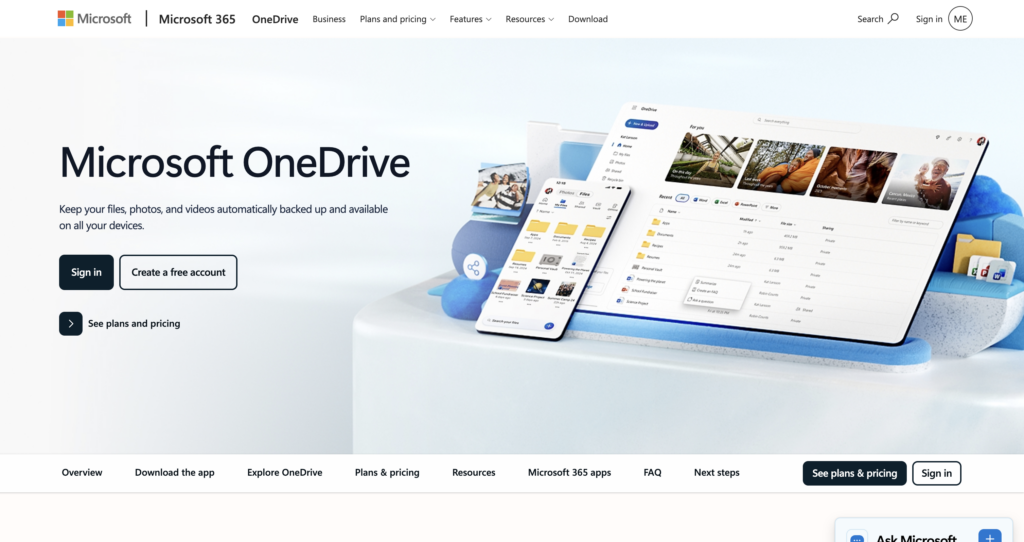
Microsoft OneDrive is the natural Dropbox replacement for teams running Microsoft 365. It offers 5 GB of free storage and connects closely with Word, Excel, PowerPoint, Outlook, and Teams. Personal Vault also adds an extra protected area for sensitive files.
For business users, many Microsoft 365 plans include 1 TB of OneDrive storage per user, while enterprise plans can include more storage and stronger security and compliance management. For users outside the Microsoft ecosystem, OneDrive may feel less natural than Google Drive or Dropbox.
- Best for: organizations already invested in Microsoft 365.
pCloud
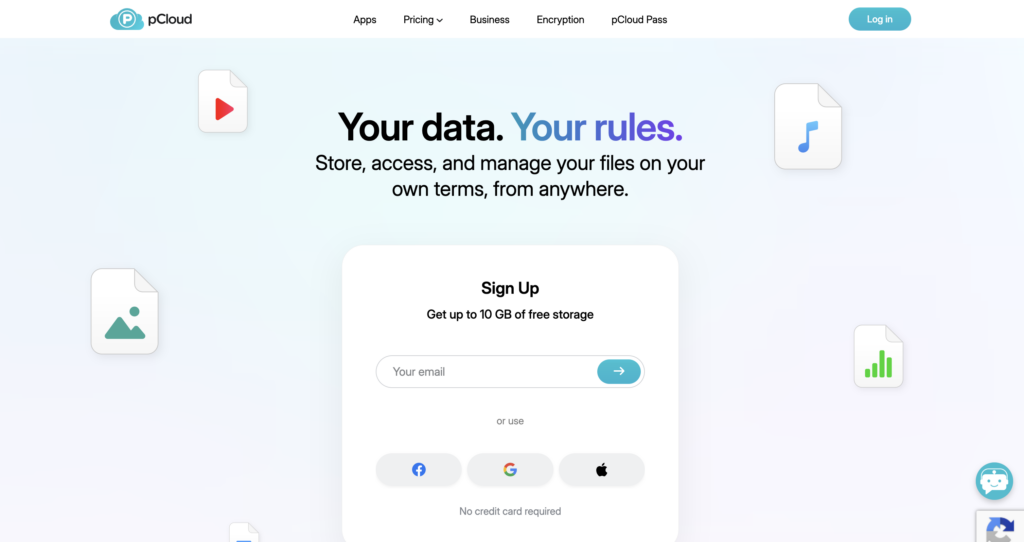
pCloud stands out among free Dropbox alternatives because of its lifetime storage plans. Users can pay once for long-term storage, with official lifetime plans available in 500 GB and 2 TB. The free plan provides up to 10 GB, and pCloud also includes built-in audio and video players for media files.
For stronger privacy, pCloud offers pCloud Crypto as a separate client-side, zero-knowledge encryption feature. pCloud International AG is registered in Switzerland, which helps support its privacy positioning, although users should still compare encryption features by plan
- Best for: individuals and freelancers who prefer a one-time payment model and value a privacy-focused Swiss jurisdiction.
MEGA
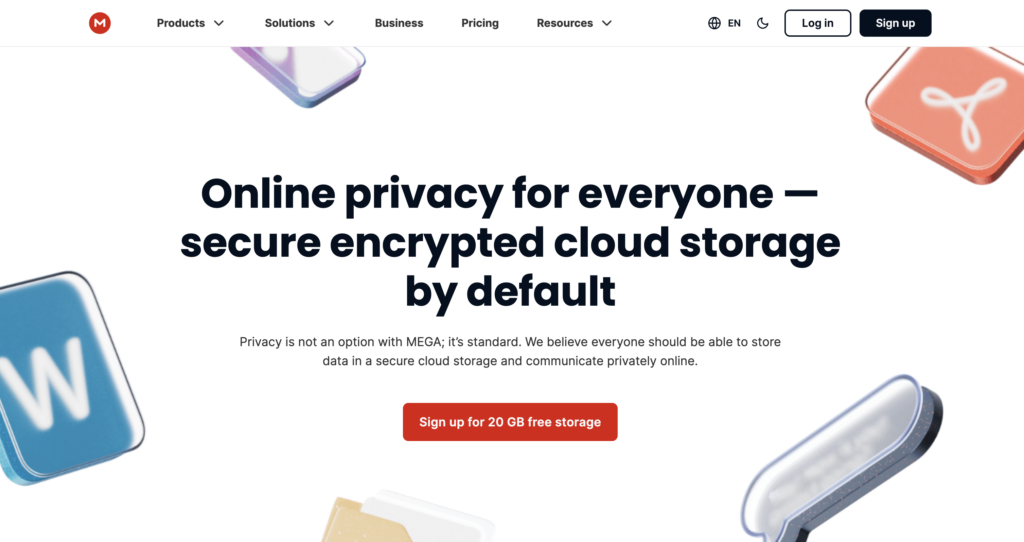
MEGA is one of the most generous free Dropbox alternatives for privacy-focused users. It provides 20 GB free with end-to-end encryption enabled by default – a meaningful distinction from most consumer cloud storage platforms. MEGA also states that its app code is open source and available for public review.
The trade-off is a limited collaboration toolset. MEGA has no real-time co-editing, minimal third-party integrations, and an interface that prioritizes security over workflow. For raw storage with strong default privacy, it’s difficult to beat the free tier.
- Best for: privacy-conscious individuals who want generous free storage with default encryption.
iCloud
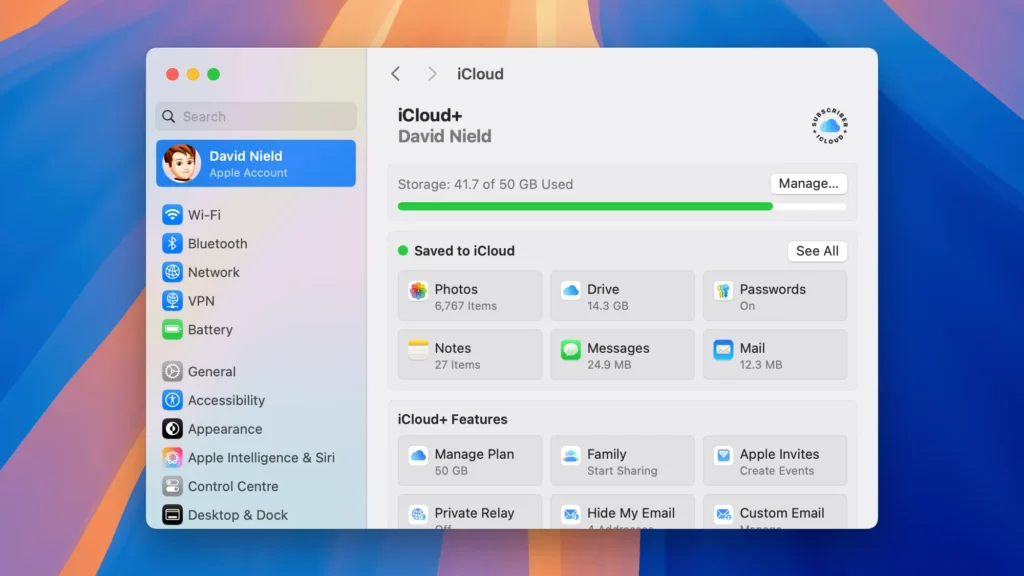
iCloud is the most natural Dropbox alternative for users who live inside the Apple ecosystem. It provides 5 GB of free storage, and paid iCloud+ plans scale up to 12 TB. Files sync across Apple devices with minimal setup. Apple also offers iCloud for Windows and browser access through iCloud.com.
Its weakness is business use across mixed environments. iCloud is useful for syncing personal Apple devices, but it is not a full enterprise file-sharing platform with the same admin controls, audit depth, and compliance tooling as Box, Egnyte, or a VDR.
- Best for: individual Apple users who want simple device sync and have limited need for Android, Linux, or business-grade cross-platform workflows.
Best Dropbox Alternatives for Business and Enterprise
Teams handling sensitive documents, regulated data, or complex multi-department workflows need more than general-purpose platforms. These secure Dropbox alternatives offer enterprise-grade security, administrative controls, and compliance certifications.
Box
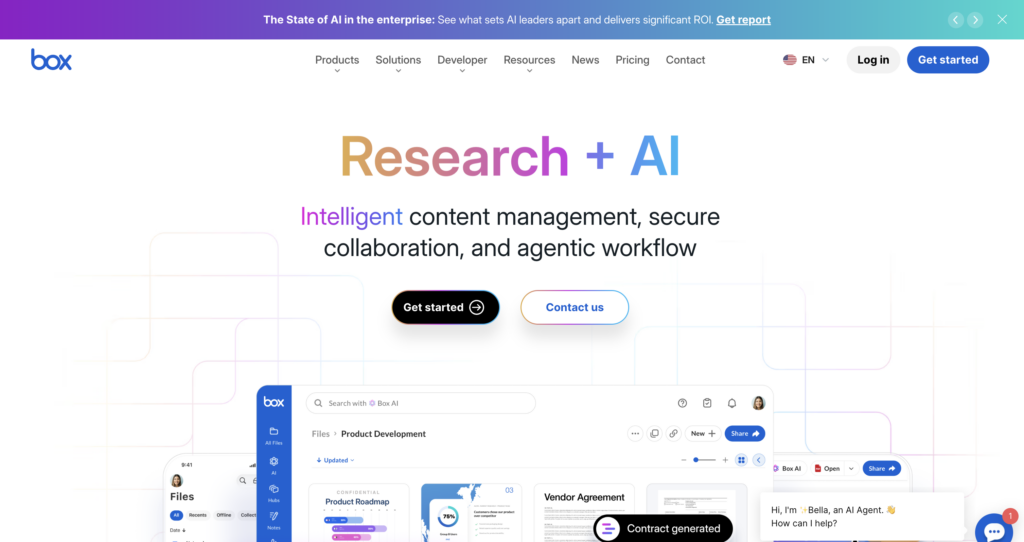
Box is the leading enterprise Dropbox alternative for large organizations and regulated industries. It offers over 1,500 integrations, advanced granular permission settings, AI-powered document insights, and a broad compliance program that includes SOC reporting, HIPAA/HITECH support, FedRAMP-authorized offerings, and ISO certifications.
Box KeySafe gives enterprises customer-managed encryption key control, reducing reliance on provider-managed keys.
G2 users rate Box 4.2/5 across more than 5,200 reviews, with enterprise security and breadth of integration cited most frequently as strengths. The free tier is 10 GB. See our detailed Box vs. Dropbox comparison for a full feature breakdown.
- Best for: enterprises and regulated industries requiring a compliant, integration-rich cloud storage alternative.
Egnyte
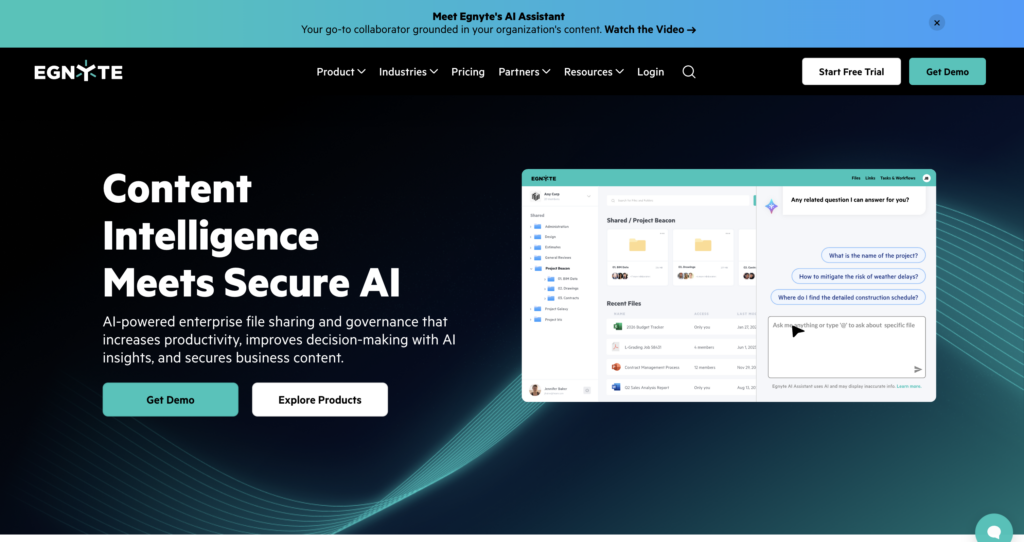
Egnyte is the best Dropbox alternative for business teams that need hybrid storage: cloud and on-premises simultaneously.
Egnyte’s hybrid architecture supports files stored in the cloud, on-premises, or both, which makes it useful for companies with legacy file servers or complex IT environments.
Egnyte also supports flexible permissions, built-in audit trails, ransomware detection, snapshot recovery, and governance features for GDPR, HIPAA, CMMC, and other compliance needs. Pricing starts with paid business plans and free trials rather than a permanent free tier.
- Best for: compliance-driven teams with hybrid infrastructure and complex permission requirements.
Tresorit
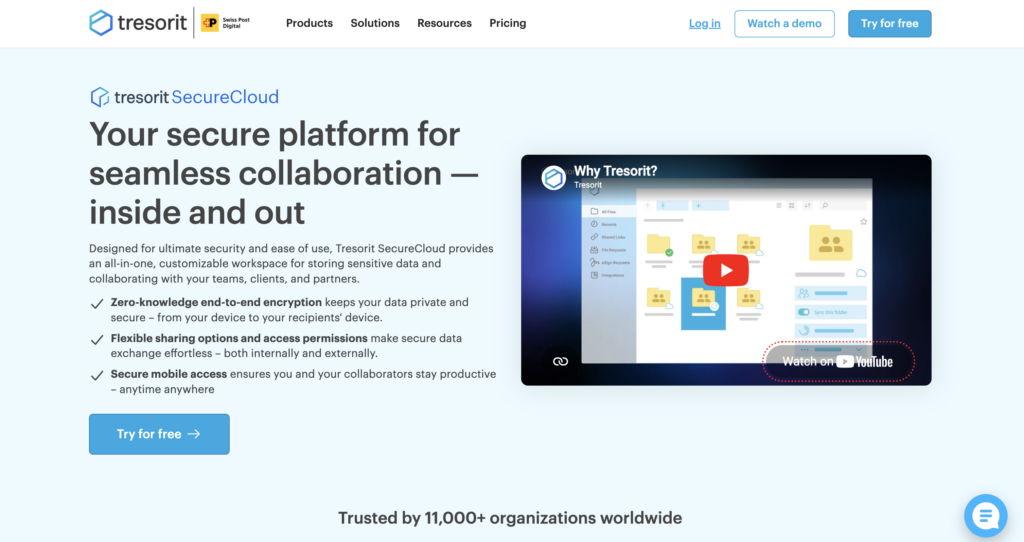
Tresorit is the most privacy-focused Dropbox alternative with encryption for business users.
Tresorit AG is registered in Zurich, Switzerland, and the platform is built on end-to-end encryption and zero-knowledge security. Tresorit says it cannot access the contents of encrypted files because users control the decryption keys.
Tresorit also supports secure sharing controls, activity logs, and access logs on eligible plans. Its feature set is more privacy-focused than Box or Egnyte, making it a better fit for legal, healthcare, and finance teams that treat zero-knowledge encryption as a hard requirement.
- Best for: legal, healthcare, and finance teams requiring a secure Dropbox alternative with verifiable zero-knowledge encryption.
Sync.com
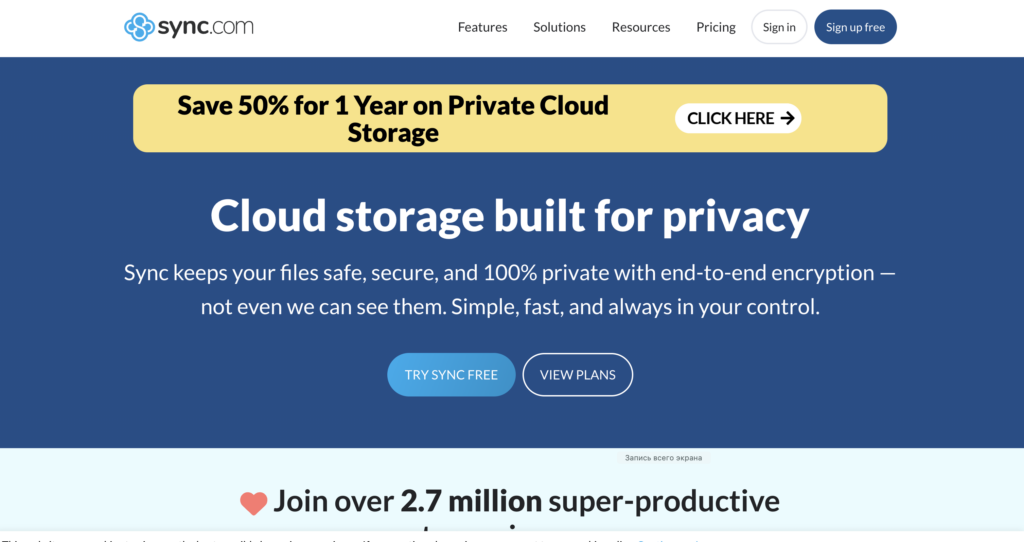
Sync.com is a strong mid-range choice combining end-to-end encryption with competitive pricing.
Every plan, including the 5 GB free tier, includes E2EE by default, which is uncommon among consumer cloud platforms. Eligible Sync.com paid plans offer up to 365 days of file recovery or version history, admin controls, remote wipe, and user management. HIPAA compliance is available on higher-tier plans.
The collaboration tools are more limited than Google Drive or Box, meaning no real-time co-editing and a smaller integration library. For privacy-conscious small and medium businesses that require encryption without the enterprise price tag, Sync.com hits the right balance.
- Best for: SMBs looking for a secure Dropbox alternative with encryption on every plan at a competitive price.
When a Dropbox Alternative Isn’t Enough – Virtual Data Rooms
For high-stakes workflows such as M&A due diligence, fundraising, legal discovery, board communications, and IP licensing, standard cloud storage may not offer the same level of security, control, or audit capabilities as a purpose-built VDR.
This is where virtual data rooms (VDRs) become the appropriate tool.
A VDR is a purpose-built secure platform for sharing confidential documents during business transactions. It is operationally distinct from general cloud storage, designed around controlled access, comprehensive logging, and legal defensibility rather than convenience and collaboration.
What a VDR typically provides beyond standard cloud storage:
- Advanced security. AES-256 encryption, dynamic document watermarking, remote document shredding, fence view (limits unauthorized viewing and copying), and IP-based access restrictions.
- Document-level permissions. Many providers support granular page-level access permissions, timed access expiration, view-only modes with embedded watermarks, and the ability to revoke access to documents that have already been shared.
- Full audit trails. Activity logs showing who viewed which document, when, for how long, and from which device or location. This level of logging is a standard requirement in M&A and legal proceedings.
- Compliance certifications. SOC 2 Type II, ISO 27001, HIPAA, and GDPR are standard in VDR platforms, not optional add-ons.
Use cases where a VDR is the right choice over standard cloud storage: M&A due diligence, startup fundraising rounds, legal proceedings, real estate transactions, board and investor reporting, and IP or technology licensing.
- Some virtual data room entry plans may be comparable to Dropbox Business pricing, but the total cost depends on the number of users, storage, project length, support, and pricing model. Check current virtual data room prices to see what’s available.
Worth a look Among dedicated VDR providers, Ideals is frequently cited for combining this level of security with a fast setup process, making it a practical starting point for teams moving beyond Dropbox for high-stakes document sharing.
Dropbox Alternatives Comparison Table
This side-by-side overview covers the features most relevant to selecting the right Dropbox alternative. Use it as a starting point, then verify current pricing directly with each provider.
| Feature | Dropbox | Google Drive | OneDrive | Box | pCloud | MEGA | Sync.com | VDR |
| Free Storage | 2 GB | 15 GB | 5 GB | 10 GB | 10 GB | 20 GB | 5 GB | Trial |
| E2E Encryption | Biz Plus only | No | No | Add-on | Add-on | Yes (default) | Yes (default) | Yes |
| Zero-Knowledge | No | No | No | Add-on | Add-on | Yes | Yes | Yes |
| Compliance (SOC 2/HIPAA) | Limited | Workspace only | Enterprise | Yes | No | No | No | Yes |
| Audit Trail | Basic | Basic | Basic | Advanced | No | No | Basic | Full |
| Dynamic Watermark | No | No | No | Plan-dependent | No | No | No | Yes |
| Granular Permissions | Limited | Limited | Limited | Advanced | Basic | Basic | Basic | Document-level |
| Best For | Personal/Small team | Google users | Microsoft users | Enterprise | Individuals | Privacy + free | Privacy SMB | M&A, legal, fundraising |
How to Migrate from Dropbox to an Alternative
Switching cloud storage platforms doesn’t have to be disruptive.
- Audit and clean your Dropbox first. Remove duplicate files, archive anything inactive for 12+ months, and tidy folder structures before you move. Migration amplifies existing disorganization.
- Use built-in migration tools. Some providers and third-party migration tools support direct Dropbox migrations; verify the provider’s native import support before planning the migration.
- Consider third-party migration services. For complex environments with multiple accounts or large data volumes, MultCloud and CloudHQ handle cross-service transfers with scheduling and filtering options.
- Verify permissions post-migration. Shared links, user access levels, and folder permissions don’t transfer automatically. Audit access on the new platform before decommissioning Dropbox.
- Train your team. Even a well-executed migration fails if team members revert to old habits. A short onboarding session significantly reduces friction and support tickets.
- Run both platforms in parallel. Keep Dropbox active for a short transition period after migration, based on team size, data volume, and compliance needs.
- Ready to move beyond Dropbox? Start a free trial with a top-rated virtual data room — explore your options on dataroomreviews.org.
FAQ
What is the best free alternative to Dropbox?
Google Drive is the most practical free version for most users, with 15 GB of storage, Google Docs, and strong collaboration through Google Workspace apps. MEGA is better for privacy-focused users because it offers 20 GB of free storage with end-to-end encryption enabled by default. Both provide more free storage than Dropbox’s 2 GB tier.
What is the most secure Dropbox alternative?
Tresorit and Sync.com are strong choices for data privacy since they offer zero-knowledge encryption. For high-stakes deals, a virtual data room provides stronger advanced security features, including watermarking, fence view, remote document control, and full audit trails.
Is Google Drive better than Dropbox?
For document-heavy work, yes. Google Drive offers more storage, real-time collaboration, and seamless integration with the Google ecosystem. Dropbox still performs well for cloud sync, large file transfers, and users who prefer its clean desktop app.
Can I use a virtual data room instead of Dropbox?
Yes, but only for specific workflows. A VDR is better for M&A due diligence, fundraising, legal review, and regulated file sharing, where granular access controls, audit logs, and compliance evidence matter. For everyday use, standard cloud storage options are usually simpler and cheaper.
What is the cheapest Dropbox alternative for teams?
Google Workspace, Microsoft 365, and Sync.com are among the most affordable alternatives for small businesses. Google and Microsoft also bundle productivity tools, which makes them cost-effective if your team already uses Gmail, Teams, or Microsoft Office.
Does Dropbox have end-to-end encryption?
Dropbox offers end-to-end encryption on advanced business plans, but most standard plans rely on server-side encryption. If you need stronger data security and provider-side access controls, Tresorit, Sync.com, MEGA, or a VDR may be better than Dropbox.